Free
0 zł forever
To get started, and for those who issue a few invoices a month. No card, no account with us.
Download for free
Invoicing and KSeF for sole traders in Poland, without keeping your data in the cloud. Your invoices sit encrypted on your computer and phone, and only you hold the key.
Windows and Android. No limits until 28 February 2027, then 3 invoices a month for free.

Encrypted on this deviceAES-256 · key from your password
260,783
security incidents were registered by CERT Polska in 2025. That’s 152% more than a year before.
In September 2026 someone broke into the servers of a popular online invoicing service. Account data, business partners and bank account numbers leaked: ready material for fake invoices and swapped bank transfers. One break-in, thousands of businesses at once.
Kwitomat has no such vault. Your invoices are encrypted on your computer and phone, not with us. To steal them, someone would have to break into each business separately and still know its password.
Every place they can end up, and who can read them there. No small print.
| A typical cloud app | Kwitomat | |
|---|---|---|
| Where invoices are | on the servers of the company selling the app | on your computer and phone |
| Who can look at them | the app’s provider too | only you |
| If the provider is hacked | data of thousands of businesses leaks at once | there’s nothing to steal |
| If you leave | access to your archive depends on the provider | everything stays with you |
| Ads and tracking | depends on the provider | none |
What happens to your invoices when something goes wrong.
Most of them work on their own. The rest you set up with your account, in five minutes, and then forget about them.
We don’t hold your keys, so there are things we can’t do for you. Better you know now.
What exactly reaches our server is in the Privacy policy (PL).
Until 28 February 2027 every feature is free, with no invoice limit.
See pricingA short video on working in Kwitomat: an invoice, KSeF, your computer and phone. The real app, step by step.
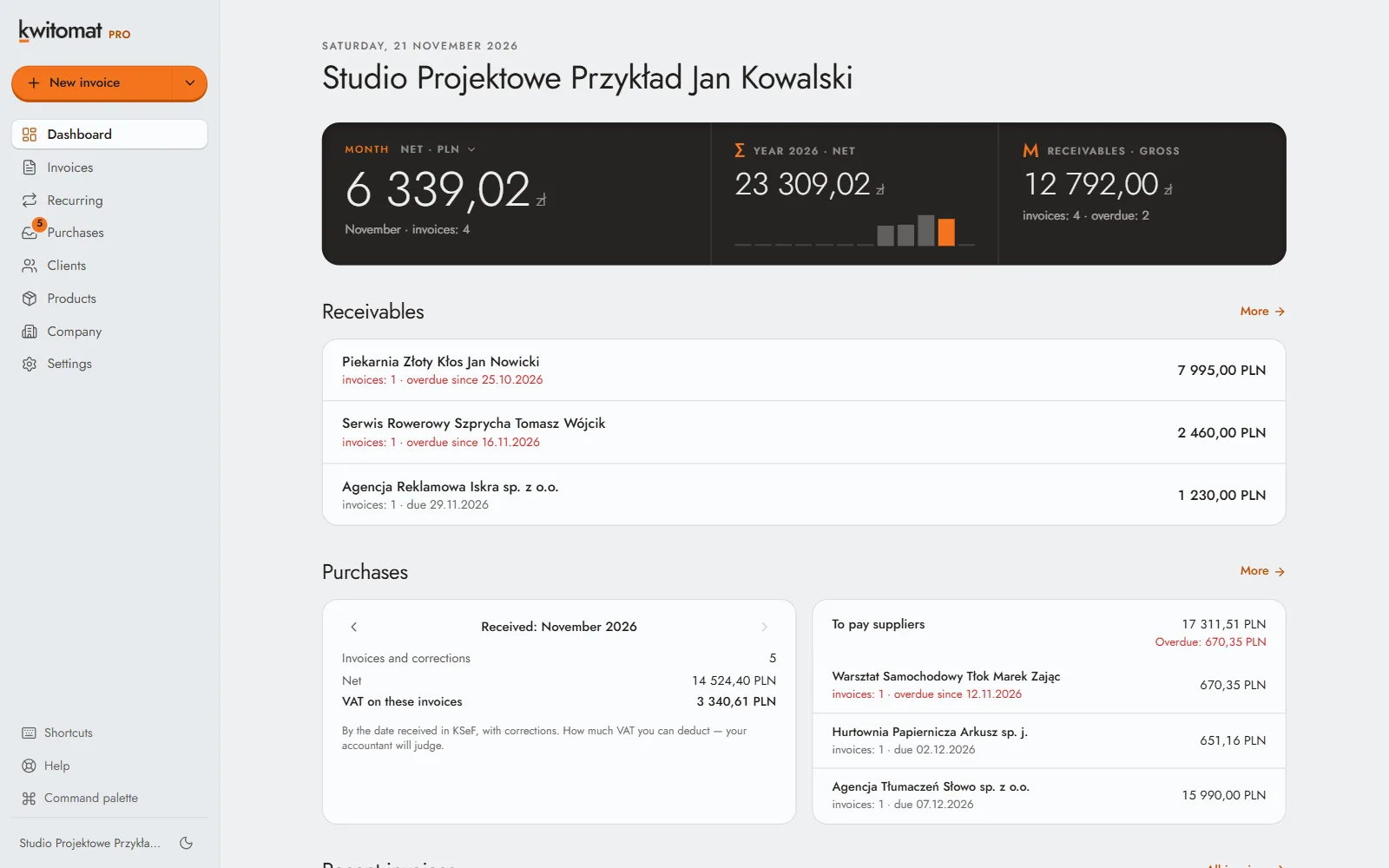
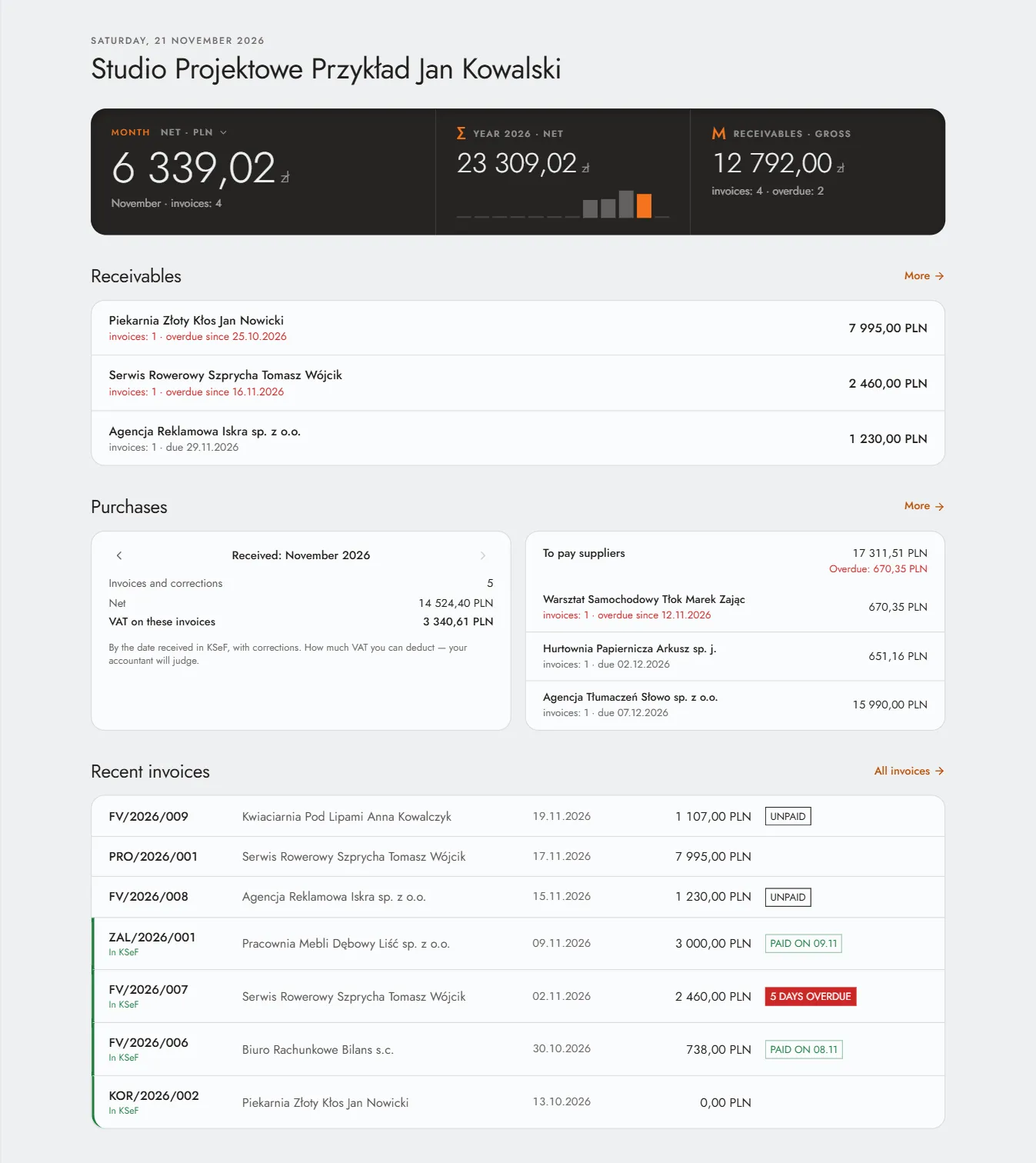
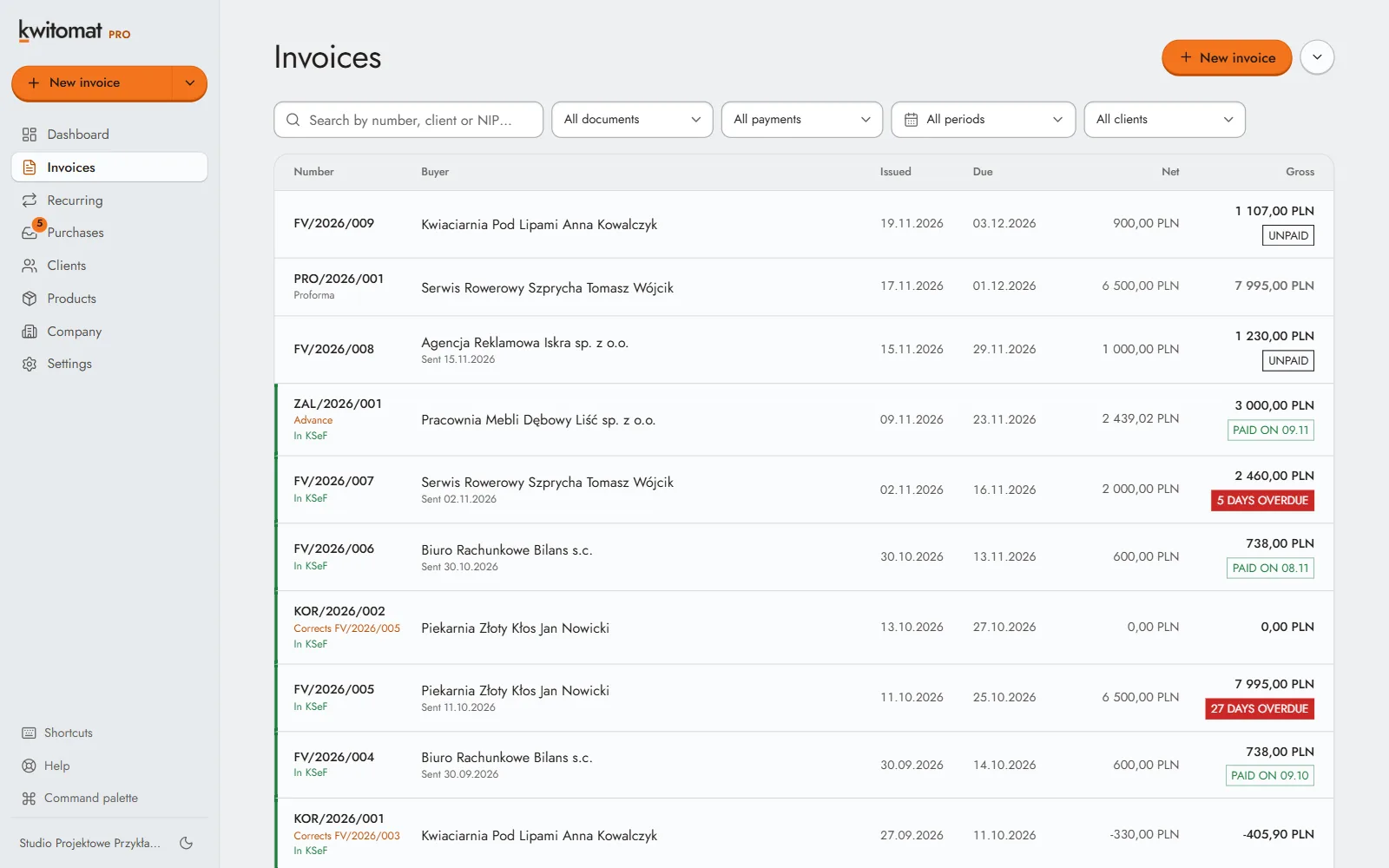
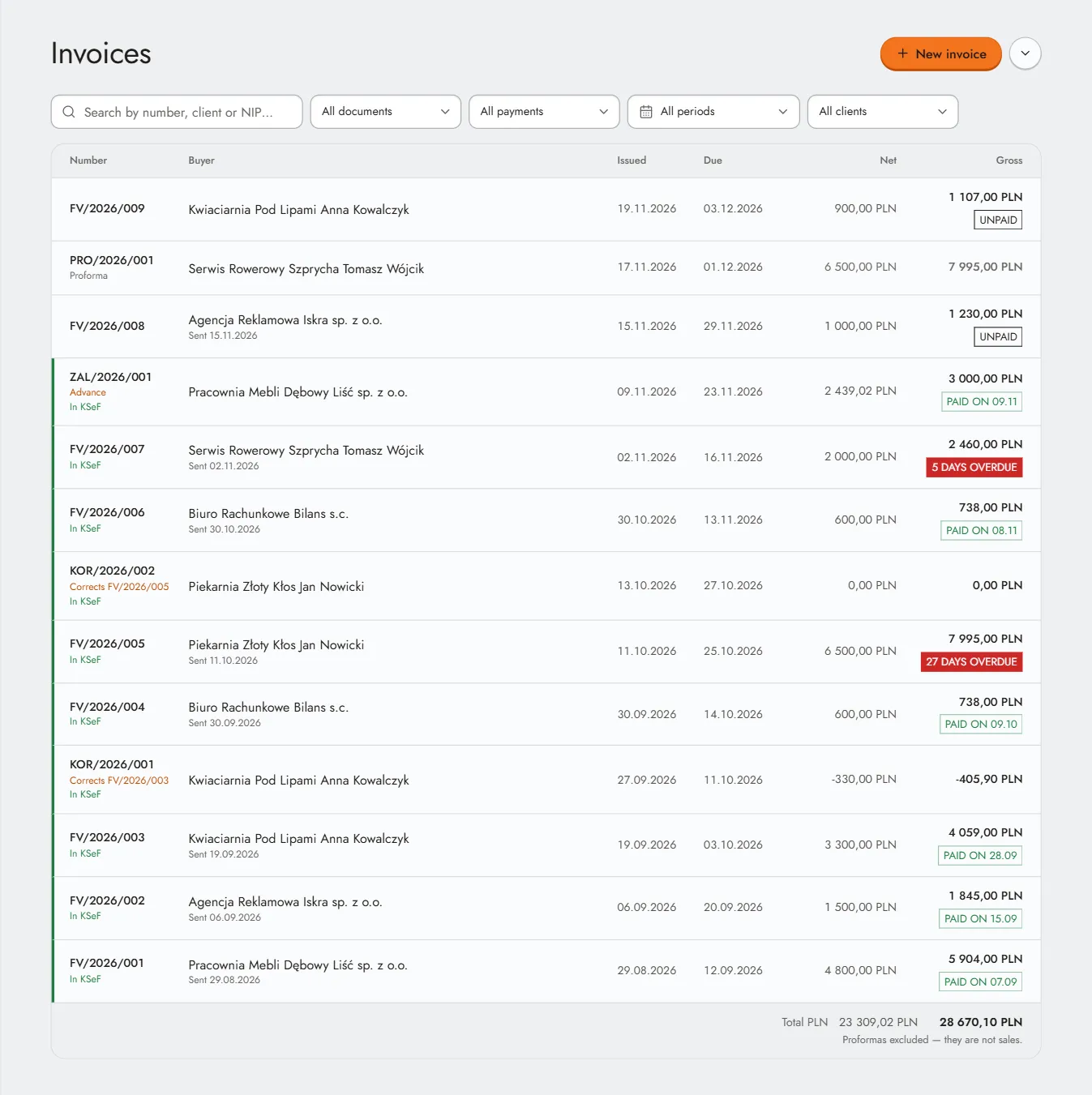
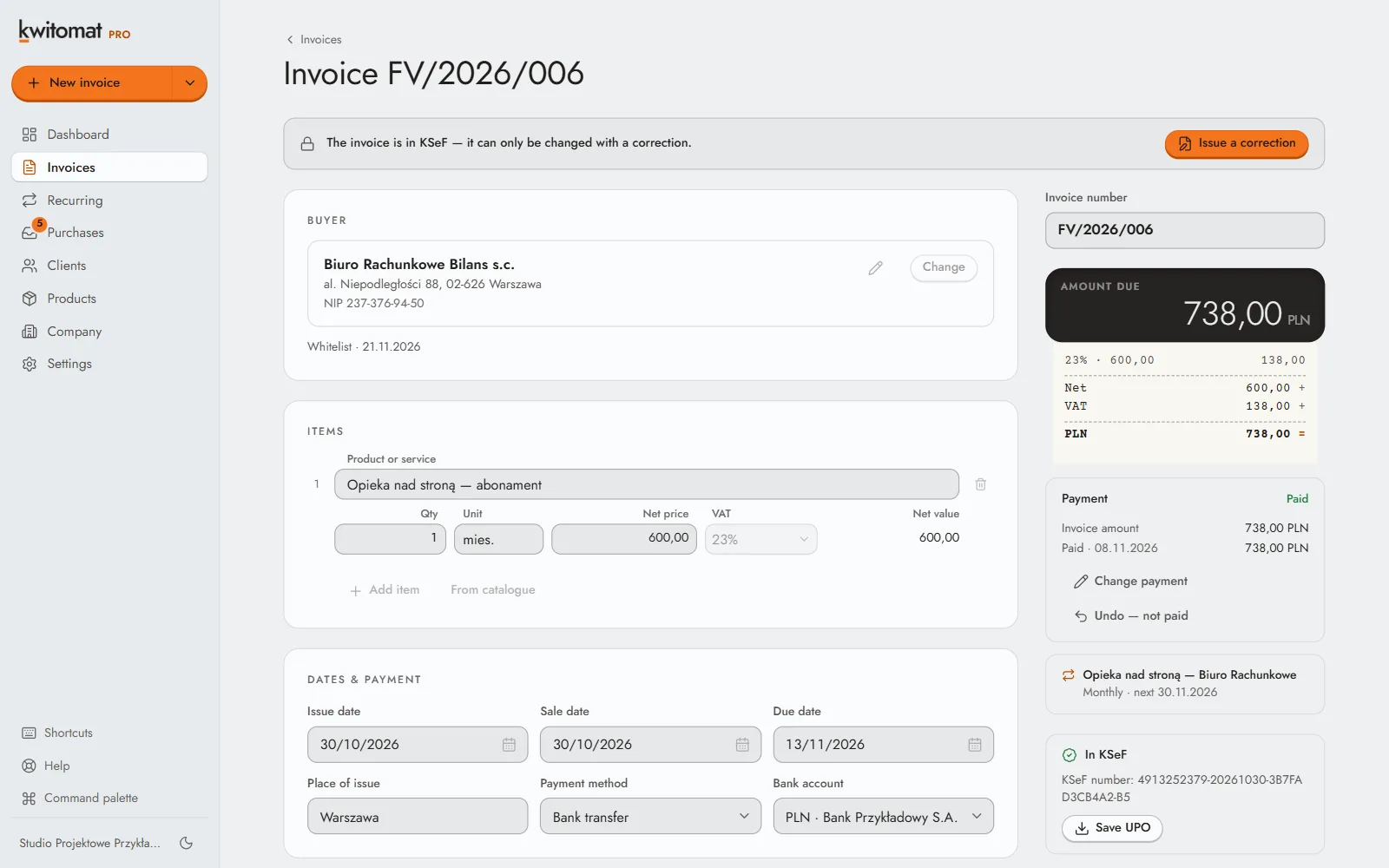
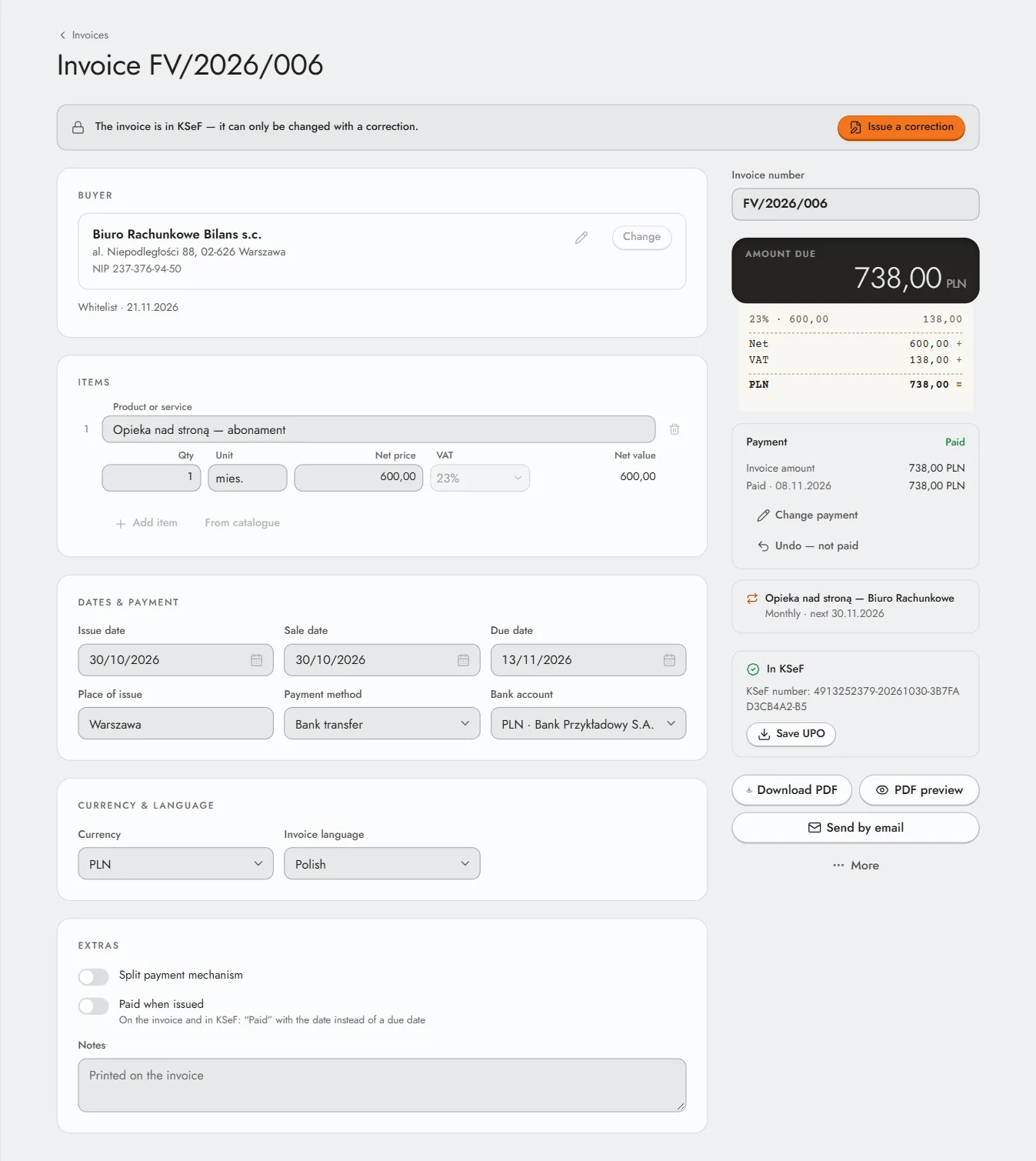
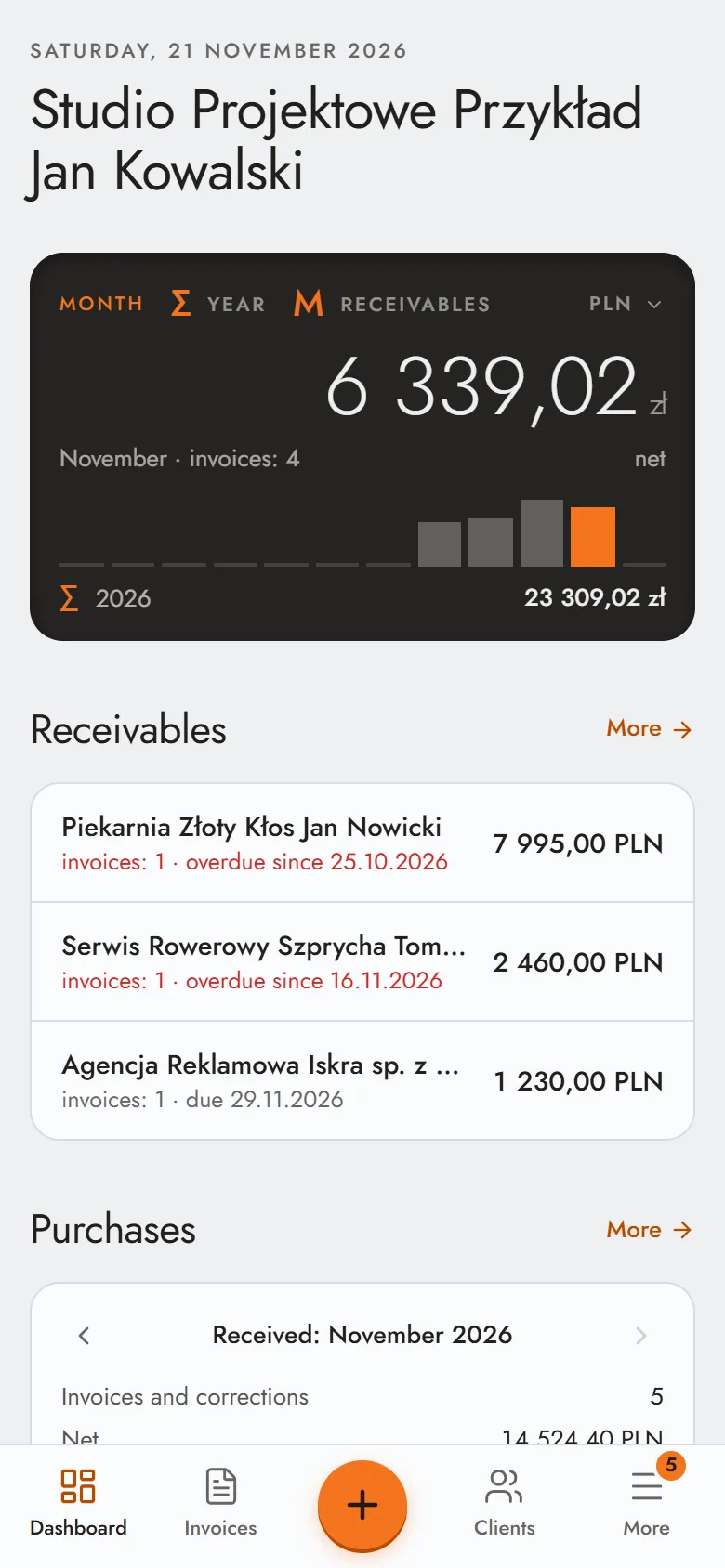
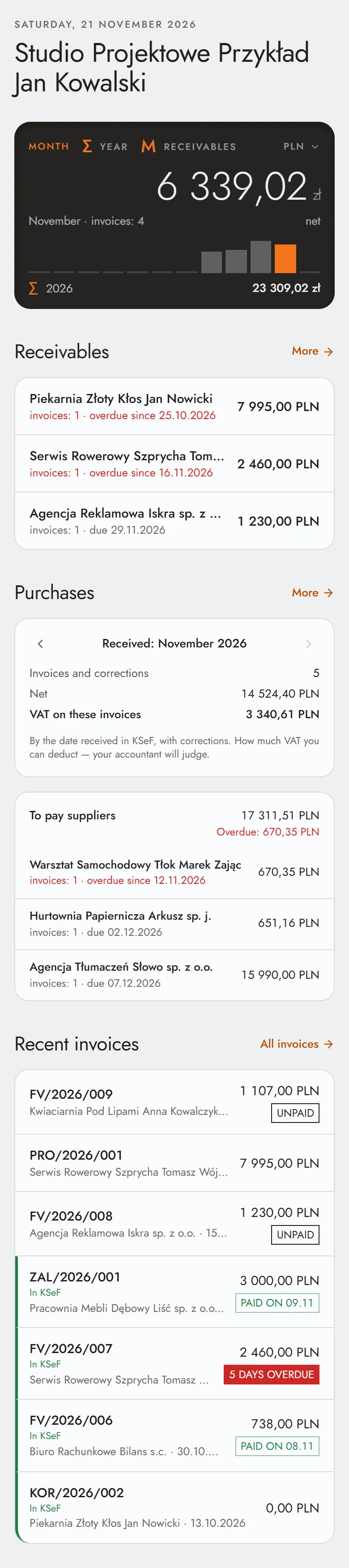
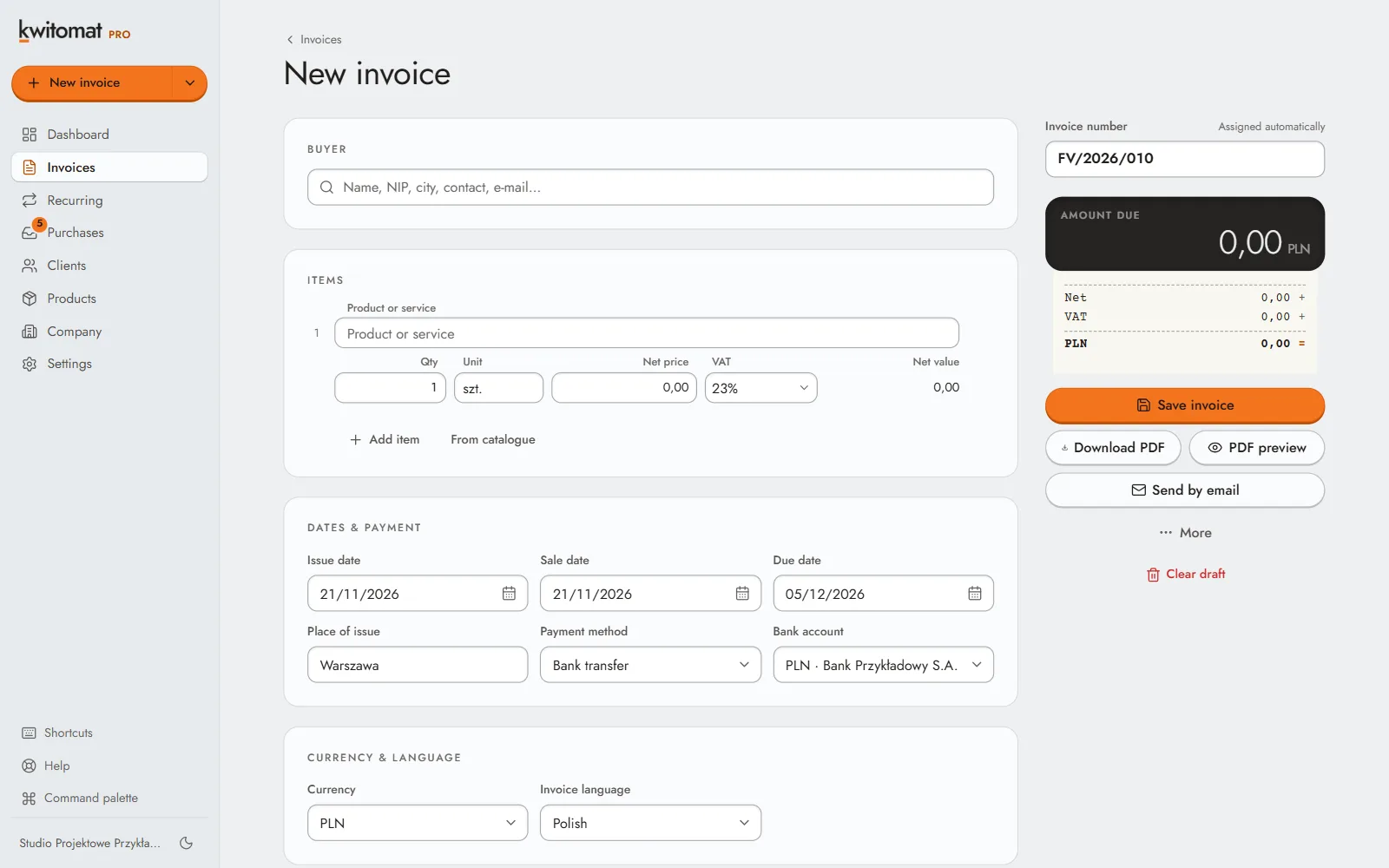
And nothing more: no accounting modules you would never use. The screenshots come from the real app, with a sample business. Click to enlarge.
Video: connecting to KSeF (in Polish) Video: purchase invoices from KSeF (in Polish)
Video: making an invoice (in Polish) Video: correcting an invoice (in Polish)
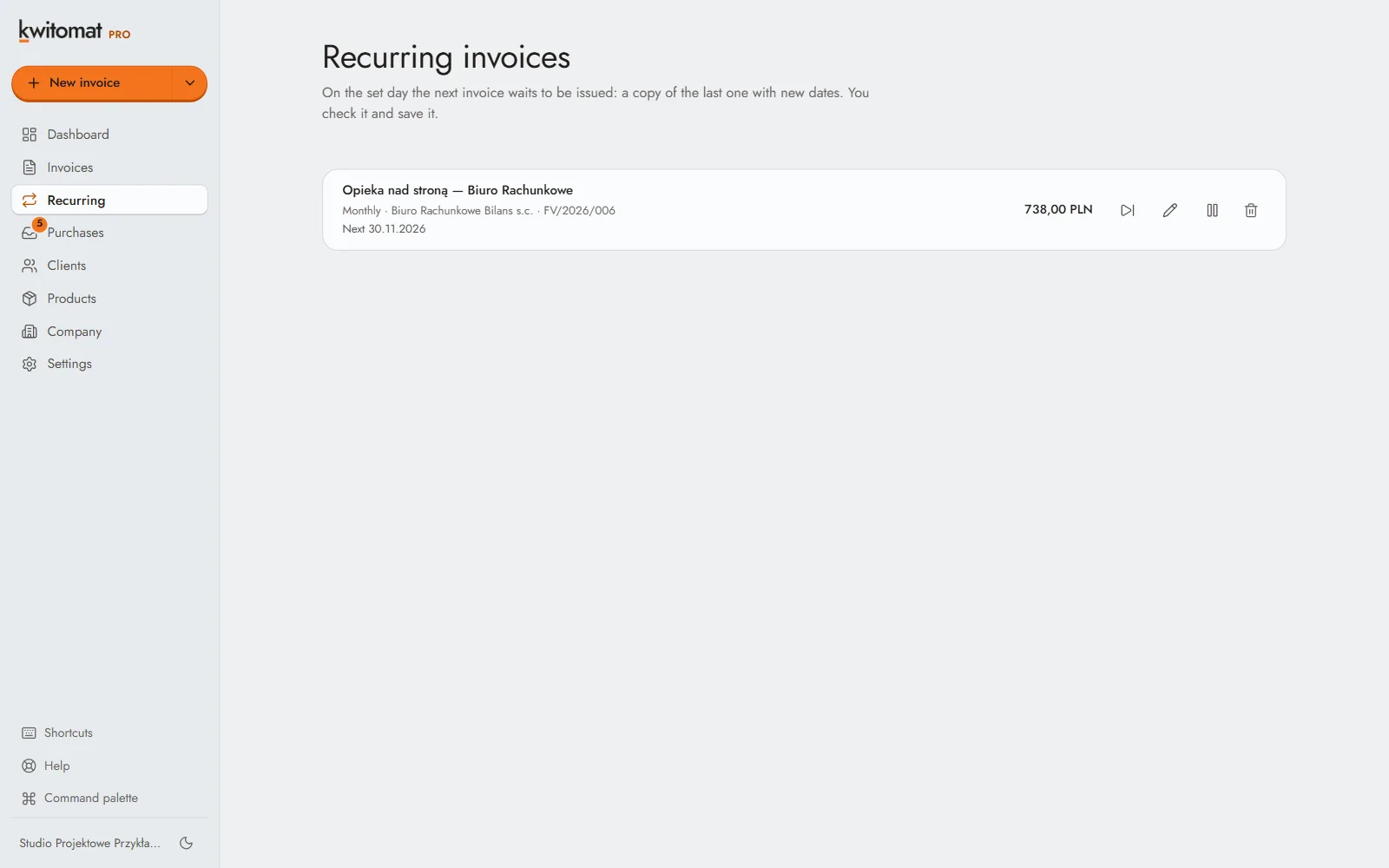
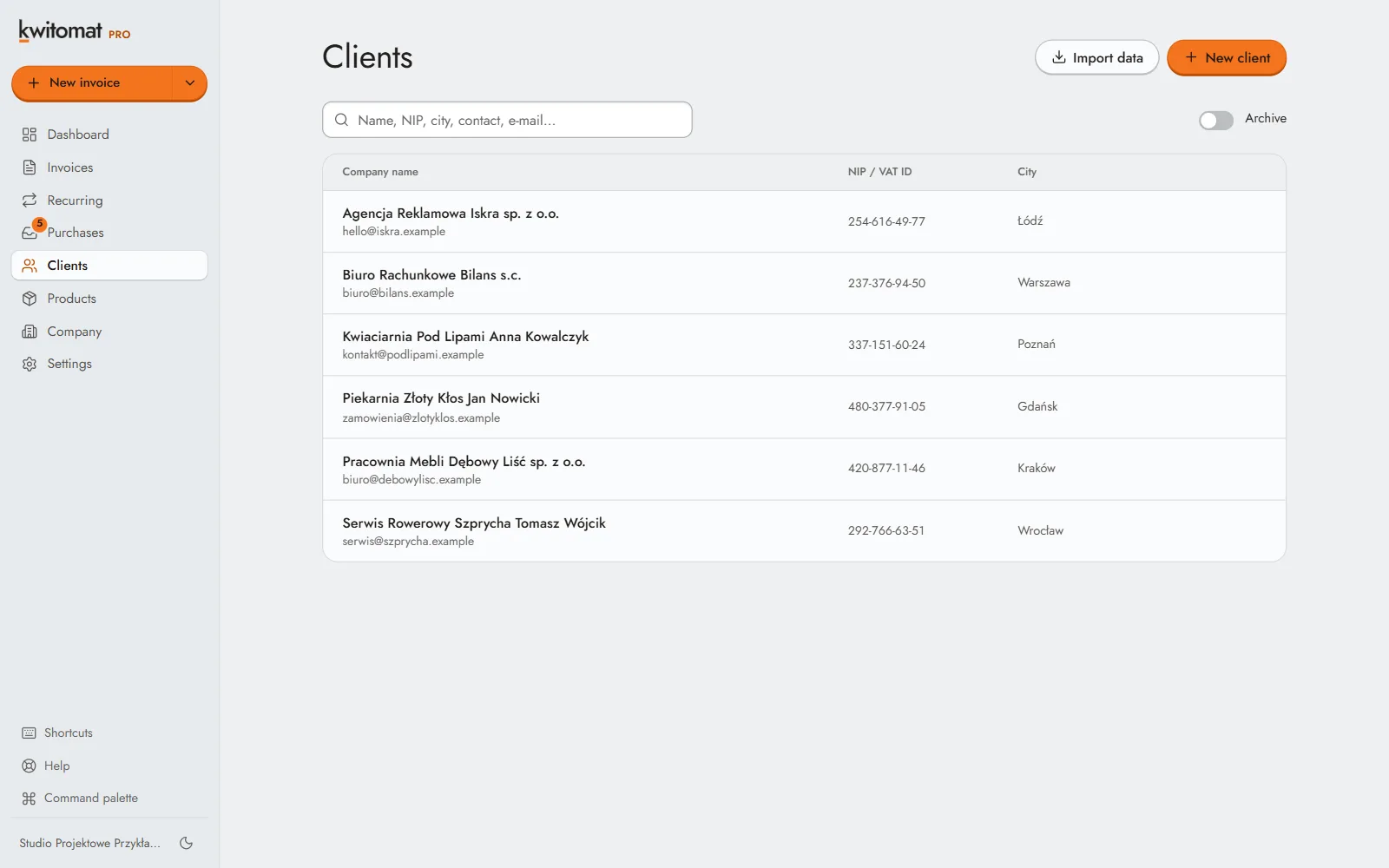
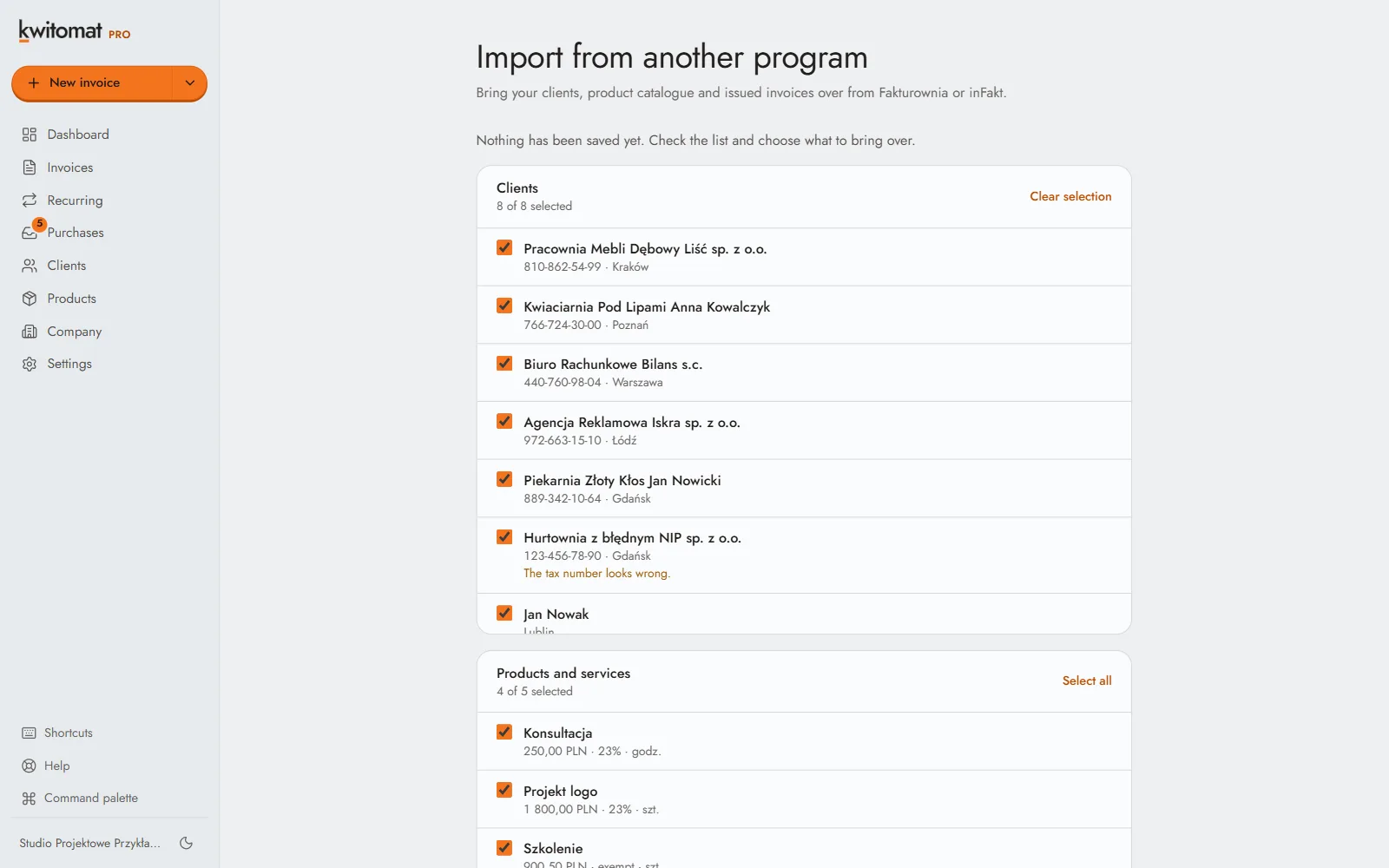
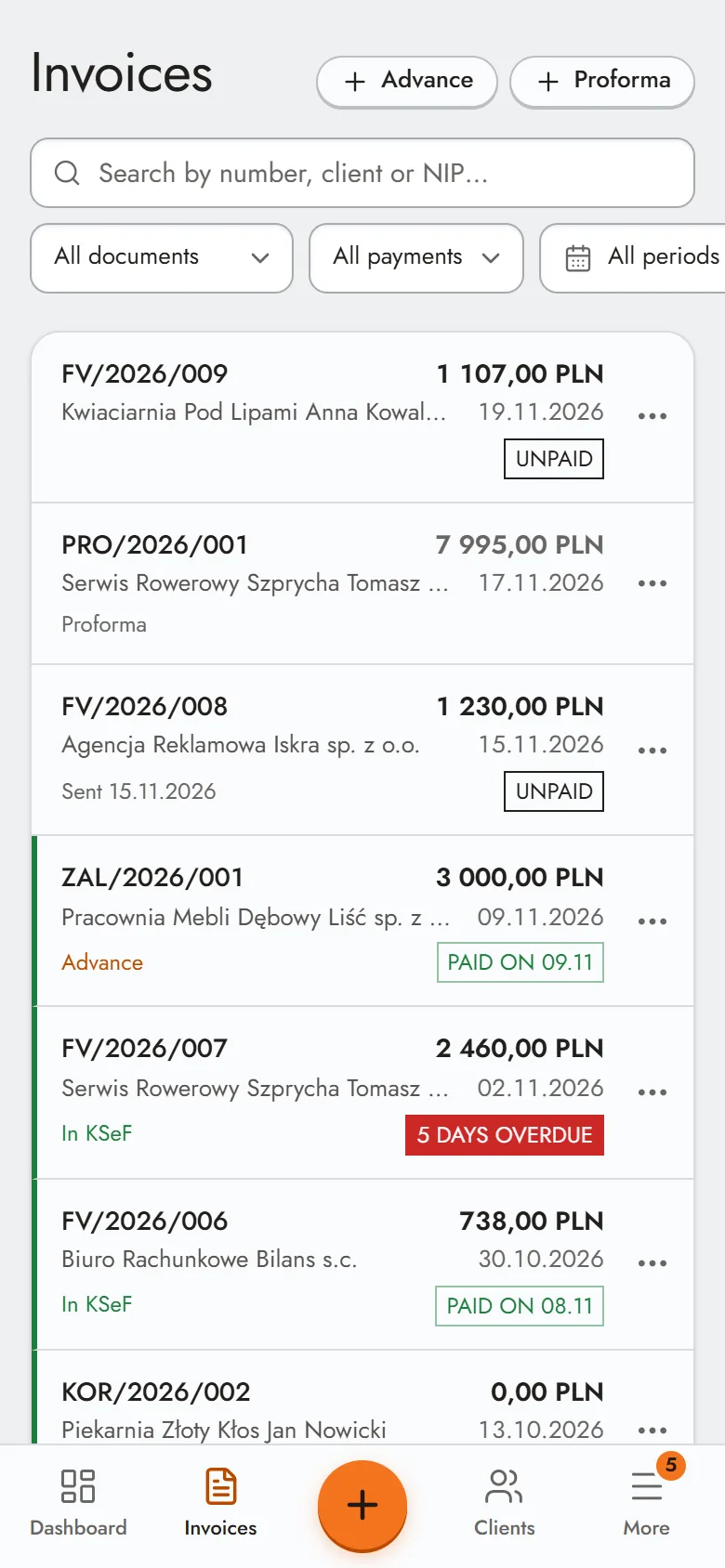
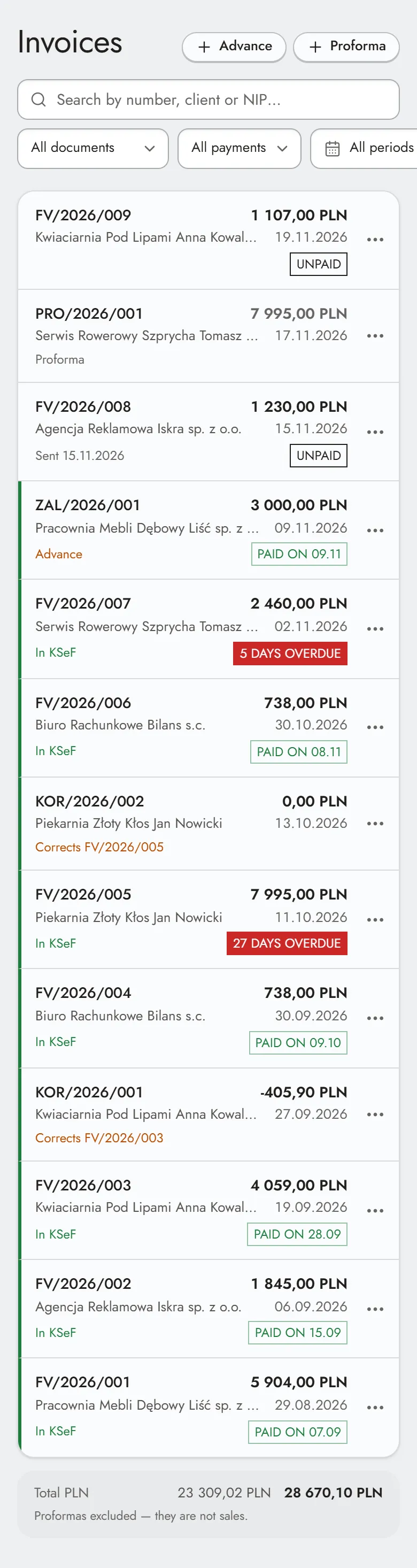
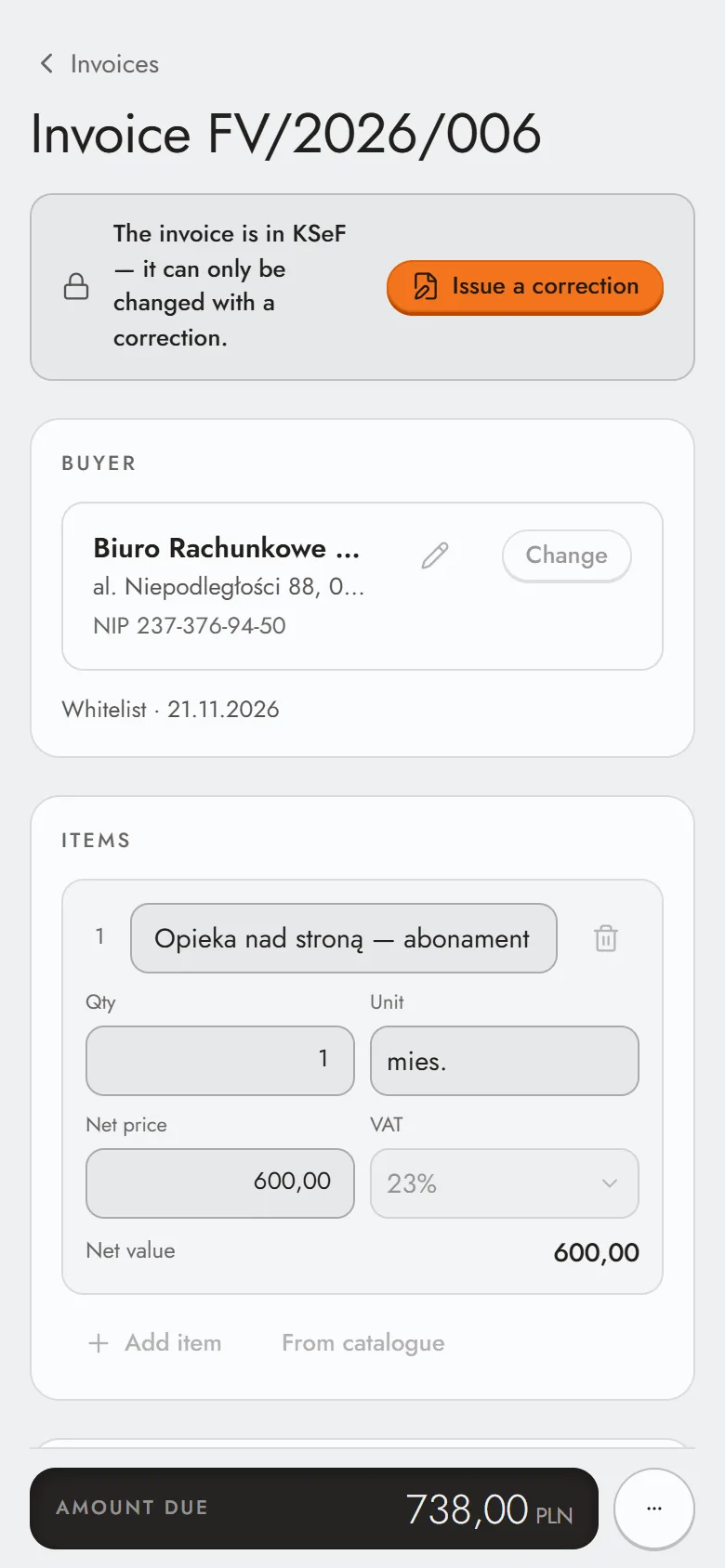
Not a cut-down viewer but the full app. At a client’s you make the invoice, send it to KSeF and share the PDF straight away. Your computer and phone see the same invoices; you add the phone by scanning a QR code on the computer screen.
The demo is the whole app in your browser, with a sample business. Make an invoice, “send” it to KSeF, look at the PDF. Nothing to install, no sign-up.
Until 28 February 2027 everything is free, with no limit. From 1 March 2027 you pick a plan.
0 zł forever
To get started, and for those who issue a few invoices a month. No card, no account with us.
Download for free99 zł a year
That’s 8.25 zł a month. One payment a year.
9.99 zł a month
Cancel any time; Pro works until the end of the paid period.
Everything in Free, plus:
Choose ProIf you leave, your invoices stay with you. They are on your device and in KSeF, with their PDF and XML. No subscription can lock them away.
On your computer and phone, encrypted with your password. If you connect your devices, an encrypted copy goes to your Google Drive. We have no access to them.
Use the recovery code you get the first time you start the app. If you turn on recovery by e-mail, you can also set a new password without the code: on the computer or phone that has your account, after a code from an e-mail and a 72-hour wait. Someone with such a device and access to your mailbox can do the same if nobody stops them — so look after your mailbox. Without the password, the code and such a device nobody can recover the data, us included. That’s the price of nobody but you being able to see it.
Without the password nobody can open your invoices. Disconnect the lost device from the other one, and restore your data from a backup or from the other device.
Not from our server, because they are not there: we don’t keep invoices, clients or account numbers. Your invoices are protected on your own device, so the most important part is yours: a strong password, the recovery code in a safe place, and locking the app when you step away.
Yes. The law doesn’t require invoices to sit in the app’s cloud. Invoices go to KSeF, where the Ministry of Finance keeps them, and Kwitomat keeps a copy with you.
Yes. You send invoices to KSeF straight from the app. You connect once on each device: with Profil Zaufany, an e-ID card or a qualified signature (or paste a token from Aplikacja Podatnika). The app saves the KSeF number and the UPO receipt, prints a QR code on the PDF and downloads your suppliers’ invoices from KSeF.
Bring them over with your clients and products: in “Clients” choose “Import data” and paste the API code or key from your old program. The invoices go to an archive: you can view them and issue corrections to them, and their numbers will not repeat in new invoices. Pro forma invoices, cost invoices and drafts are not imported. After the import, revoke that code in the old app.
No, on purpose. Kwitomat does invoices: it makes them, sends them to KSeF and keeps track of payments. Taxes and ZUS are handled by your accountant or an accounting program.
Your accounting office sees the invoices you sent to KSeF in KSeF. You can also e-mail the PDF (in the Pro plan), or save the PDF and XML to a folder of your choice.
Until 28 February 2027, nothing, with no limit. From 1 March 2027: the Free plan (3 invoices a month) or Pro for 99 zł a year or 9.99 zł a month, with unlimited invoices, recurring invoices and e-mail. Details on the pricing page (PL).
Computers with Windows 10 and 11, and phones with Android 10 or newer. An iPhone version is planned.
The whole app in your browser, with a sample business. Sending to KSeF and e-mail are only pretend, the PDF carries the Polish watermark “WERSJA DEMONSTRACYJNA” (demo version), and the data disappears when you close the tab.
A question, a problem with the app or an idea for working together? We reply to the address you give. You can also write straight to kontakt@kwitomat.pl.
Download Kwitomat for free. No card and no account with us: you create your account in the app. Your password never leaves your device, and we don’t keep your e-mail address, only its hash.